








Your thumbnail is the most important thing about your video. Not the title. Not the content. The thumbnail. Because if nobody clicks, nobody watches, and if nobody watches, nothing else matters.
CTR, or click-through rate, is the percentage of people who see your thumbnail and actually click on it. The YouTube average is around 2 to 5 percent. The top Indian creators are consistently hitting 8 to 12 percent. That difference is not luck. It is thumbnail design.
Here is exactly what they are doing differently, broken down into actionable steps you can apply to your next video today.
Why Your Current Thumbnails Are Not Working
Most creator thumbnails fail for the same three reasons. They are too cluttered, the text is too small to read on a phone, and the emotional hook is missing. Your thumbnail is displayed at roughly 168 x 94 pixels on most mobile screens. If you cannot read your text or understand the image at that size, you have already lost.
The second problem is blending in. Most creators in their niche use similar colours, similar fonts, similar compositions. When your thumbnail looks like everyone else's, there is no reason for a viewer to choose yours. You need a visual signature that makes your content instantly recognisable in a feed.
The 5 Secrets That Actually Move CTR
1. Use a human face with extreme emotion. This is the single highest-impact change you can make. Thumbnails with a face showing genuine shock, joy, disgust, or curiosity consistently outperform faceless thumbnails by 30 to 40 percent. Your face should take up at least 40 percent of the thumbnail. Eyes should be looking either directly at the camera or at something off-screen that creates curiosity.
2. Maximum 5 words of text, minimum 80px font size. Most creators put too many words in their thumbnails. Pick the single most compelling phrase from your title, make it huge, and put it on the thumbnail. Bold, high-contrast text on a contrasting background. Nothing else.
3. Use a bright contrasting colour that you never see in your niche. If everyone in your niche uses blue and black, use yellow or orange. The human eye is drawn to contrast and novelty. Pick one signature colour and use it consistently across all your thumbnails so viewers start to recognise your content in the feed before they even read the title.
4. Create visual tension or curiosity gaps. Show something that makes the viewer feel they must know what happened next. A reaction face. A before-and-after. An unexpected combination. The thumbnail should raise a question that can only be answered by watching the video.
5. Keep the background simple. Complex backgrounds compete with your subject. Use a solid colour, a simple gradient, or a blurred background. Your subject should be the only thing the eye is drawn to.
Best Tools to Create High-CTR Thumbnails
The best starting point for most Indian creators. Canva has hundreds of YouTube thumbnail templates, a one-click background remover, and AI-powered design suggestions. The free plan handles basic thumbnails well. Canva Pro (around Rs 4,000 per year) adds Magic Design and premium elements. Use the YouTube Thumbnail template at 1280 x 720px.
Adobe Express is Adobe's free design tool with professional-quality templates. The AI Generative Fill feature lets you extend backgrounds or swap elements instantly. If you already use Adobe products, this integrates seamlessly. The free plan is genuinely powerful for thumbnail creation with no watermarks.
If you want professional-level control, Photoshop is the industry standard. Advanced compositing, precise colour grading, layer effects — everything the top creators use. Around Rs 1,700 per month as part of Adobe Creative Cloud. There is a learning curve but the output quality is unmatched. Worth it once you are serious about YouTube.
Snapseed is Google's free mobile photo editing app. Perfect for editing your face photo before adding it to a thumbnail in Canva. The Selective tool lets you brighten just your face, increase contrast on your expression, and remove distracting elements from the background. Available on Android and iOS, completely free.
Remove.bg removes image backgrounds in one click with AI. Upload your photo and get a clean cutout in seconds — no manual selection needed. Free plan gives you low-res downloads. Paid credits (around Rs 100 per credit) give you full resolution. Essential for any creator who wants to place themselves on custom backgrounds in thumbnails.
Great thumbnails need great content behind them
SocioMee generates SEO titles, hooks, scripts and hashtags for your videos in 30 seconds. Once your thumbnail gets the click, make sure the content delivers. Start free today.
✦ Try SocioMee FreeBest Video Editing Apps for Indian Creators
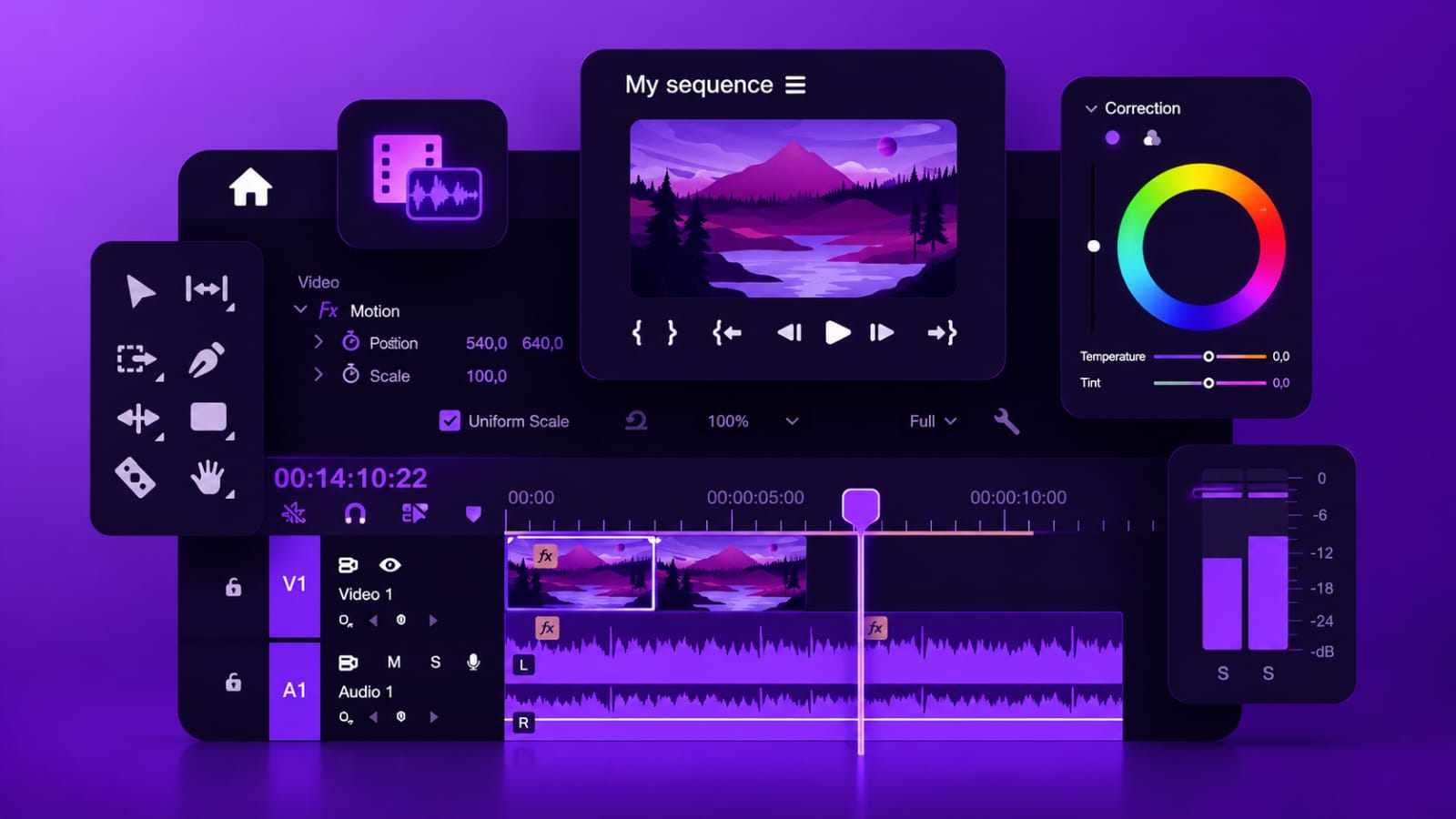
A great thumbnail gets the click. A well-edited video keeps the viewer. Here are the best editing tools Indian creators are using in 2026, from free to professional:
The most popular free video editor for Indian creators in 2026. CapCut has AI auto-captions, background removal, templates for Reels and Shorts, and a huge library of transitions and effects. Available on mobile and desktop. The auto-caption feature alone saves hours every week. Best choice for beginners and Reels-focused creators.
DaVinci Resolve is a professional-grade video editor that is completely free. Hollywood films use it. Indian YouTubers with 1 million subscribers use it. The free version has no watermarks, no time limits, and includes professional colour grading tools that no other free editor can match. The learning curve is steeper than CapCut but the output is significantly better.
Adobe Premiere Pro is the industry standard for professional video editing. Deep integration with After Effects for animations, seamless Photoshop thumbnail workflow, and AI-powered Auto Reframe for repurposing long videos into Shorts and Reels. Around Rs 1,700 per month. If you edit daily and quality is a priority, this is worth every rupee.
Descript lets you edit video by editing text. It transcribes your recording and you delete words from the transcript to cut the video. Removes filler words automatically. Creates clips for Reels and Shorts from long videos. Perfect for creators who are not comfortable in traditional editing timelines. Pairs perfectly with SocioMee for a complete content creation and distribution workflow.
InShot is the best mobile-only video editor for Indian creators. Fast, intuitive, and perfect for Instagram Reels, YouTube Shorts and TikTok. Add music, text, transitions, and stickers directly on your phone. The free version has a watermark. The paid plan (around Rs 1,200 per year) removes it and unlocks all features. Best for creators who shoot and edit on mobile.